Booty Sniper — Desktop Edition
Booty Sniper — Desktop Edition
The Art of the Text.
Smooth words. Real confidence. Chemistry that goes both ways.
Booty Sniper is a texting companion built for the desktop. You paste in her message, pick a reply voice, and get a reply that sounds like you on your best day — clear, confident, and respectful.
What it does
Paste their message into the app and it helps you answer it well. Your pasted message is processed locally with built-in templates. The app does not send or save your pasted message.
Choose a reply voice style and shape the tone of your answer. The era changes the rhythm, not the respect — use only what sounds like you.
Press Ctrl or Cmd + Enter to generate your reply fast, right from the keyboard.
High Seduction Mode
High Seduction Mode gives confident, sensual replies for adults when the interest is mutual.
It follows a simple playbook:
- Read their energy. Use what they actually said. Never drop a canned line into a serious moment.
- Be clear, not crude. Say what you genuinely want — like a date, a kiss, or more closeness — without assuming she wants it too.
- Invite a choice. A simple "Would you like that?" makes room for an honest yes, no, or not yet.
- Let her answer set the pace. Send one message, then give her room. If she hesitates, changes the subject, says no, or stops replying, back off. No pressure, no guilt, no games, no repeated follow-ups.
Opener library and slang decoder
The app includes an opener library with 40 entries per era, and a slang decoder covering dating, internet, and gym slang. Slang shifts quickly and varies by community — use what sounds natural, not a stereotype.
Adults only
High Seduction Mode is for adults only, and only when interest is mutual. Keep intimate photos private and never ask for or share them without clear consent.
What you get
- Access to the Booty Sniper web app — https://booty-sniper--spaceblaster.on.websim.com — set up for desktop use
- The Desktop Edition instructional manual (PDF), with full-size desktop screenshots and a step-by-step walkthrough of every feature
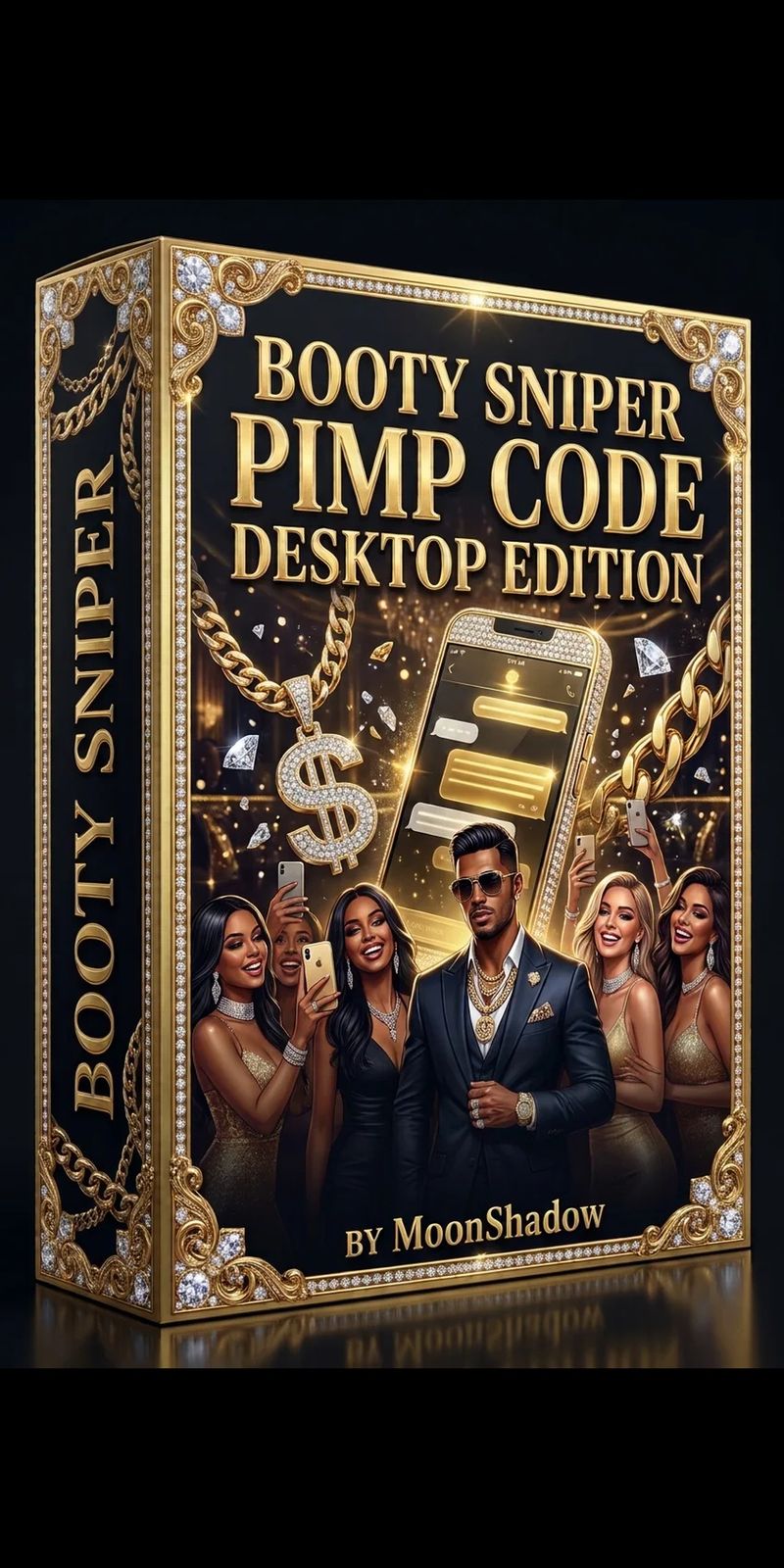
- The Desktop Edition box cover art
- How_Archive.zip — the full edition files in one download
Desktop or mobile?
This is the Desktop Edition, built around the full desktop workflow — big screen, keyboard shortcuts, and the complete manual with desktop screenshots. If you mainly text from your phone, the Mobile Edition is the same app tuned for on-phone use.
How you get it
After checkout, download your files and open the app at the link in your manual. Your manual walks you through your first reply, step by step.
Questions after purchase go through Support.